Notary Tracker

Your notary business,
under control.

Track appointments, log expenses, capture mileage with GPS, and see your earnings at a glance — all in one app built specifically for mobile notaries and loan signing agents.

Download on the App StoreGet it on Google Play

Free to download · No account required · Your data stays on your device

Everything a mobile notary needs

Stop juggling spreadsheets, paper journals, and mileage apps. Notary Tracker handles it all.

📅

Appointment Scheduling

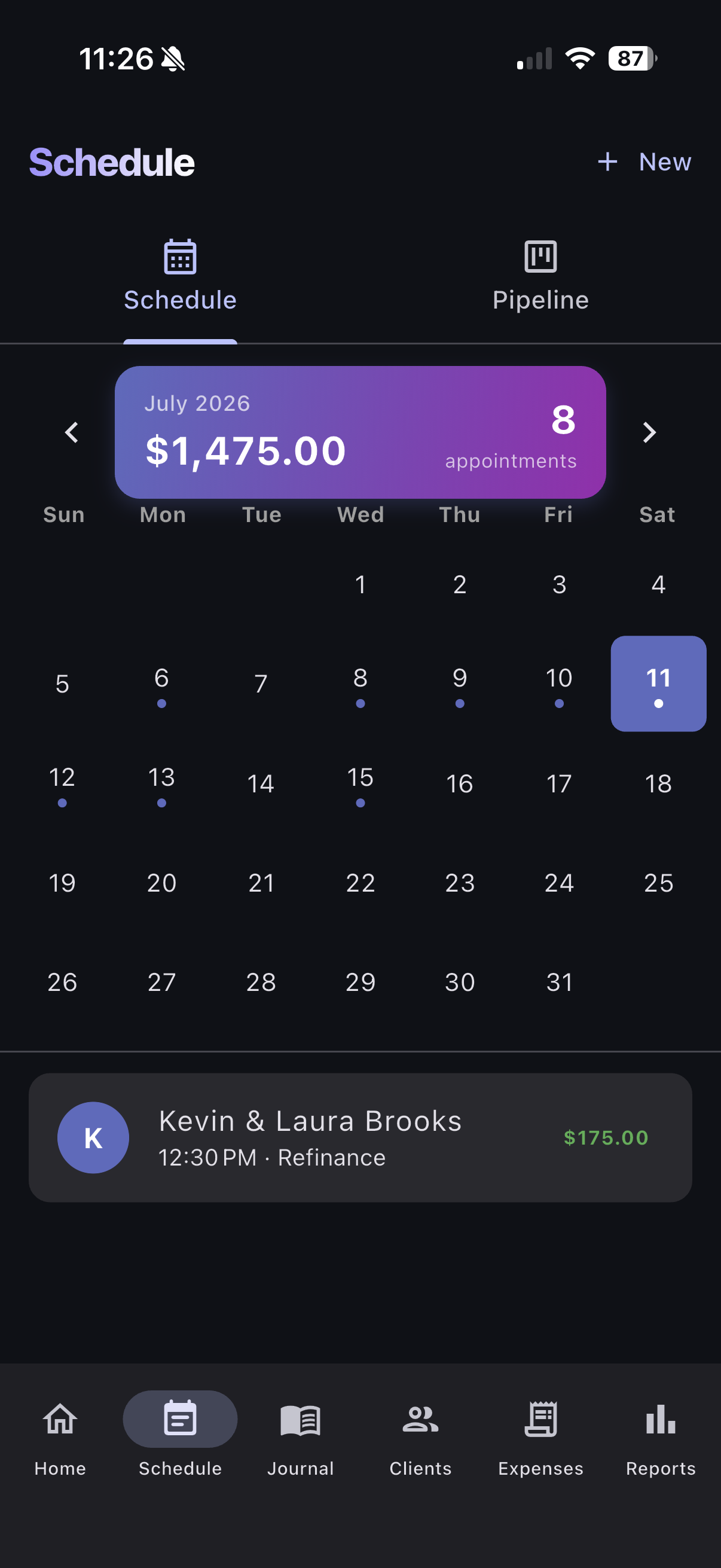
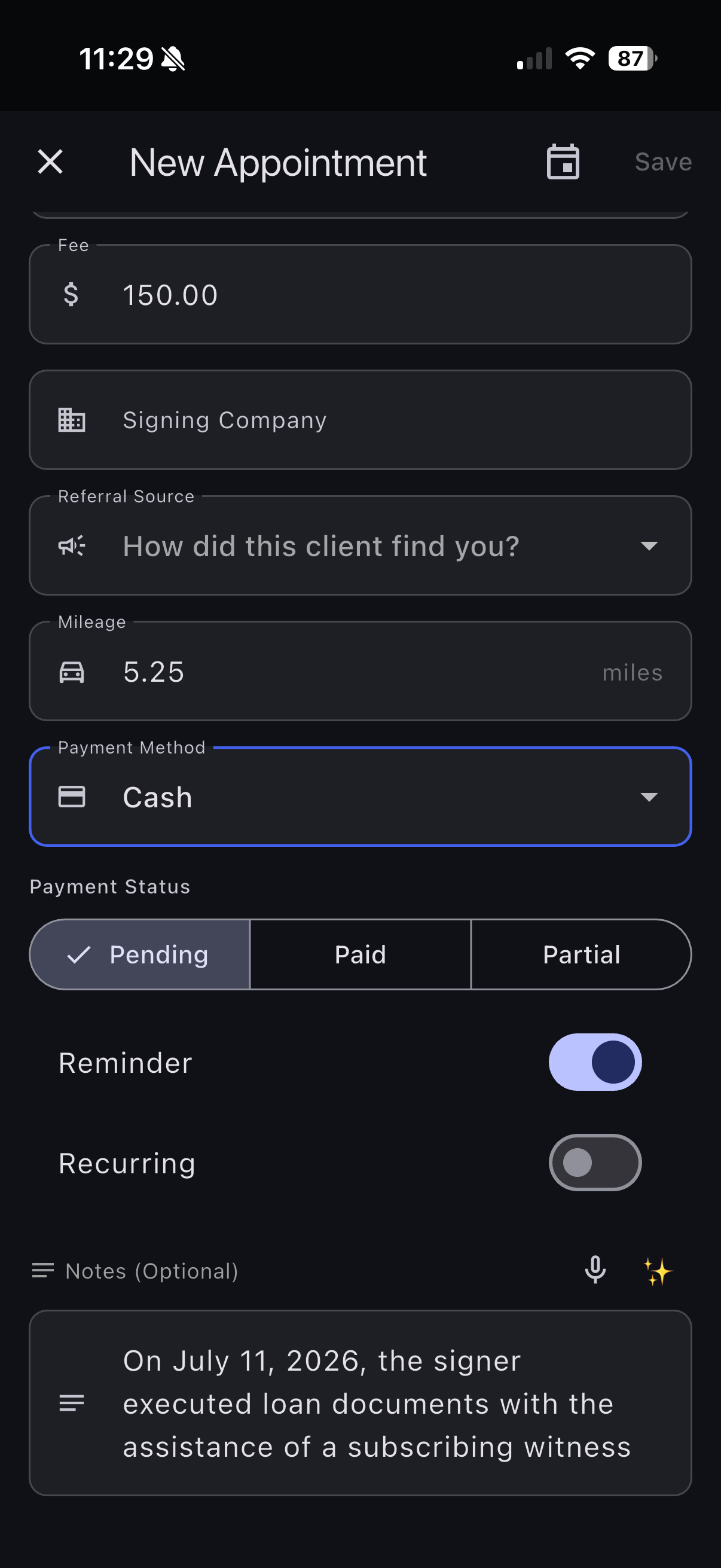
Track every signing — client name, location, document type, fee, and notes. Switch between Calendar view for your whole month at a glance and Schedule view for a clean list of upcoming jobs. Past appointments roll off automatically at midnight, so today's work always stays at the top.

🧾

Expense Tracking + Receipt OCR

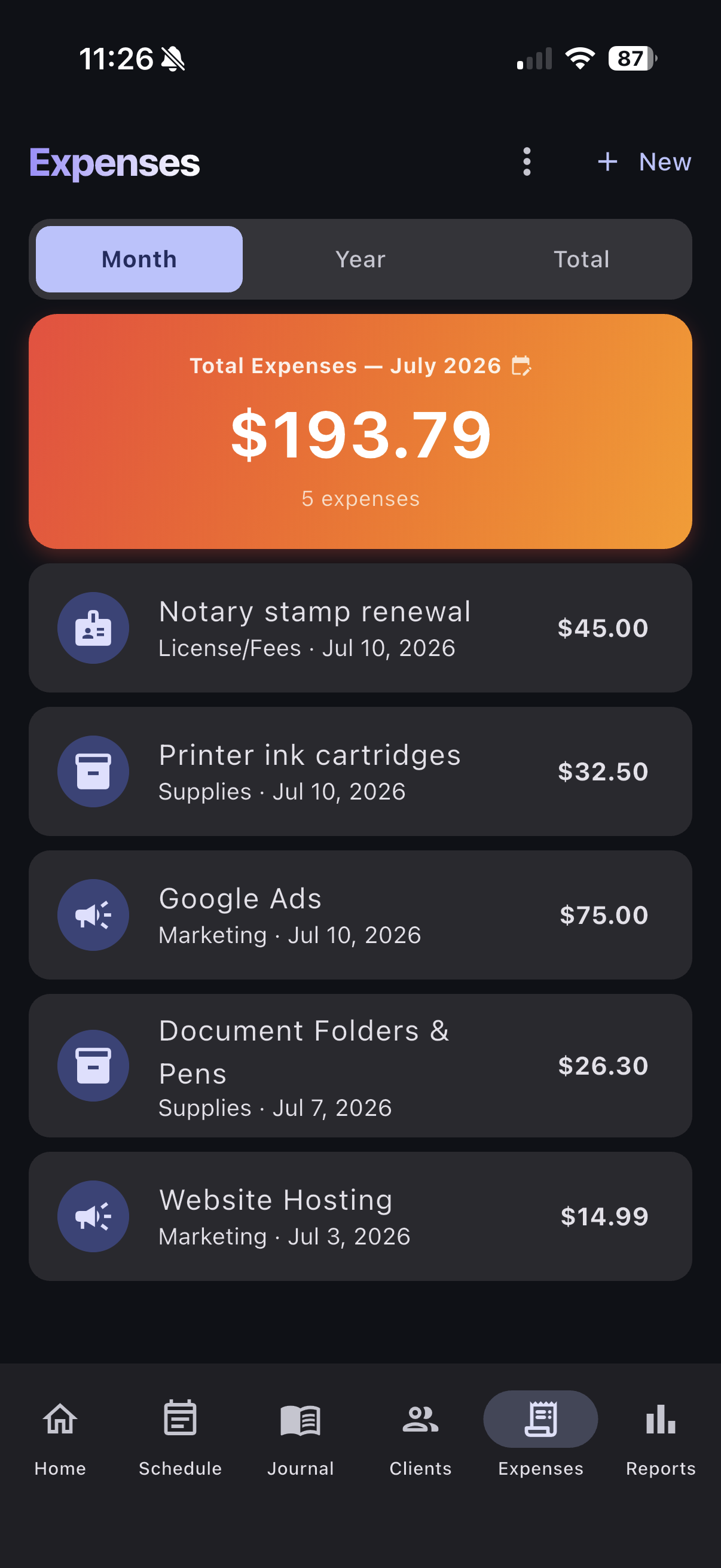
Snap a photo of any receipt and watch it auto-fill merchant, amount, and date. Categorize expenses for tax time. No more shoeboxes of receipts.

📍

GPS Mileage Auto-Track

Tap “Track Drive” on any appointment and let GPS record your exact mileage. No manual entry, no guessing at tax time. IRS-ready logs.

📊

Signing Order Pipeline

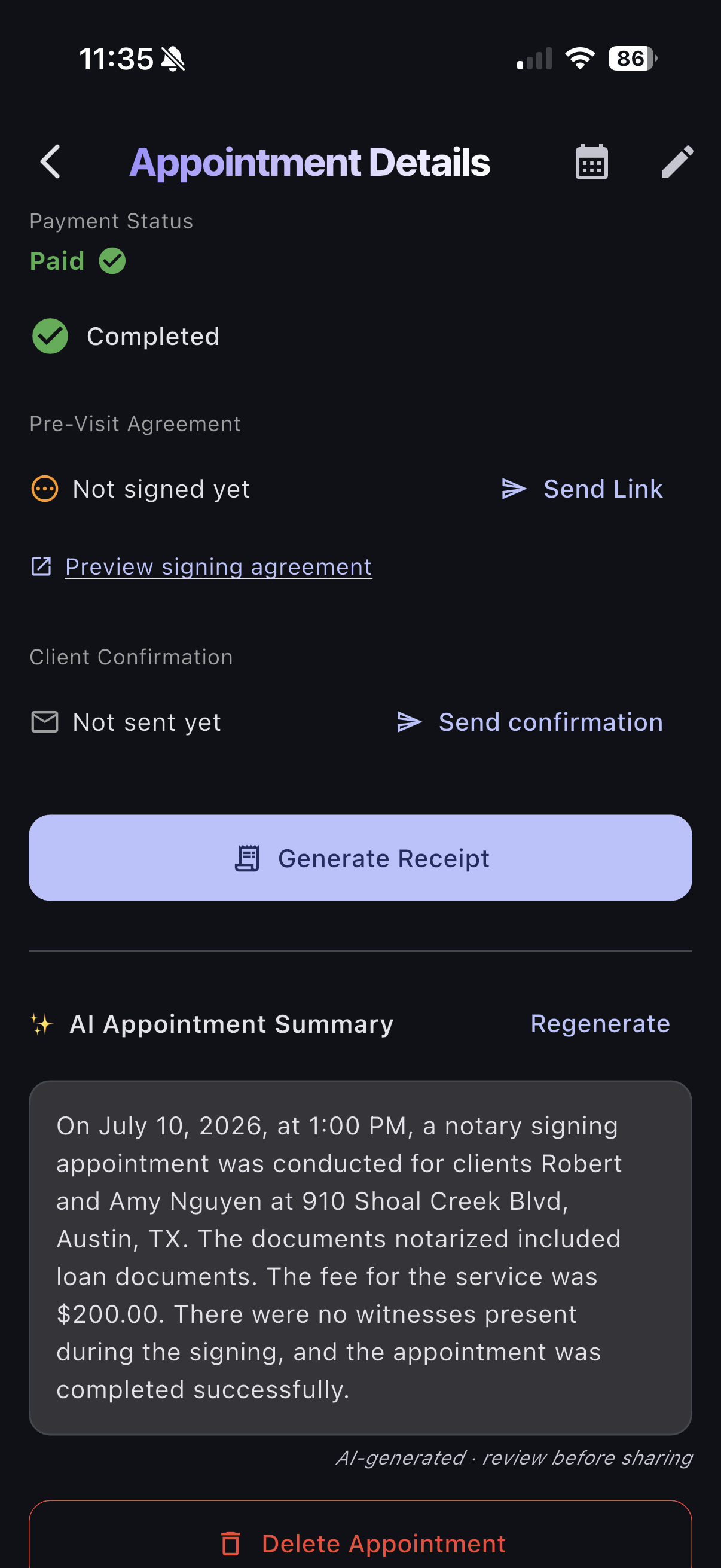
Visual Kanban board for your signing orders. Drag appointments through Offered → Confirmed → Docs In → Completed → Paid. Never lose track of an order again.

👥

Client Management

Build your client database automatically as you go. Link new appointments to existing clients in a single tap, see full signing history per client, and keep contact info, notes, and lifetime fees in one place.

🏢

Signing Company Tracking

Track which signing companies send you work, compare fees, monitor payment timelines, and see per-signing profitability at a glance.

🚗

Mileage Reports

Detailed mileage reports broken down by month, by client, or by signing company. Export-ready for Schedule C filing.

💰

Tax Tools

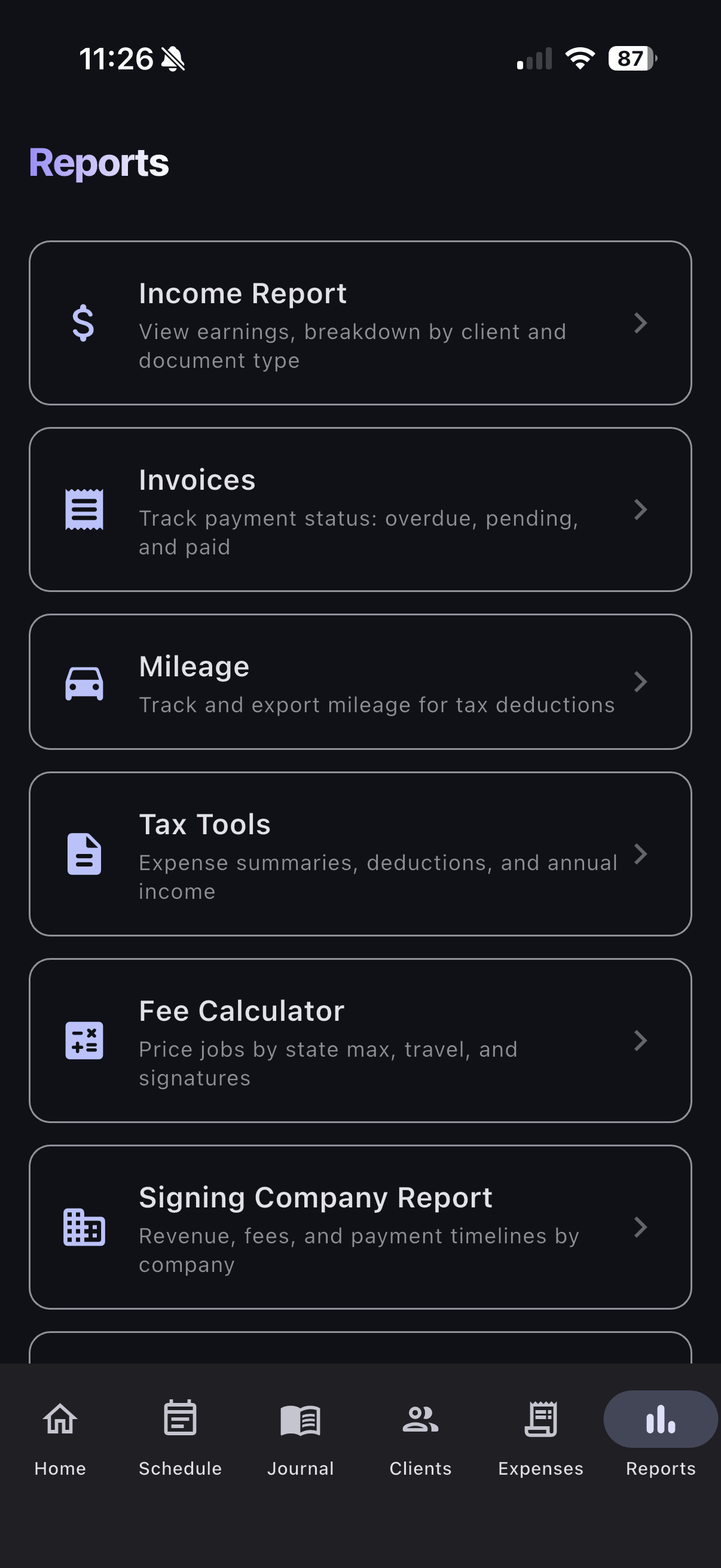
Income vs. expenses dashboard, quarterly estimates, and Schedule C category mapping. Pull a full year's income report, mileage log, and categorized expense summary in seconds — built for the self-employed notary at tax time.

📈

Income Reports

See exactly how much you earned this month, quarter, or year. Income broken down by client and signing company, with fees-paid vs. fees-outstanding totals. Export-ready for your tax preparer.

🏠

Dashboard at a Glance

Open the app to your earnings, expenses, and mileage for the period you care about — this week, this month, this quarter, this year. Switch periods with a tap. No drilling, no menus.

🌙

Dark Mode

A polished dark theme that follows your system settings. Easy on the eyes for late-night signings and end-of-day data entry.

Coming Soon
📖

Digital Notary Journal

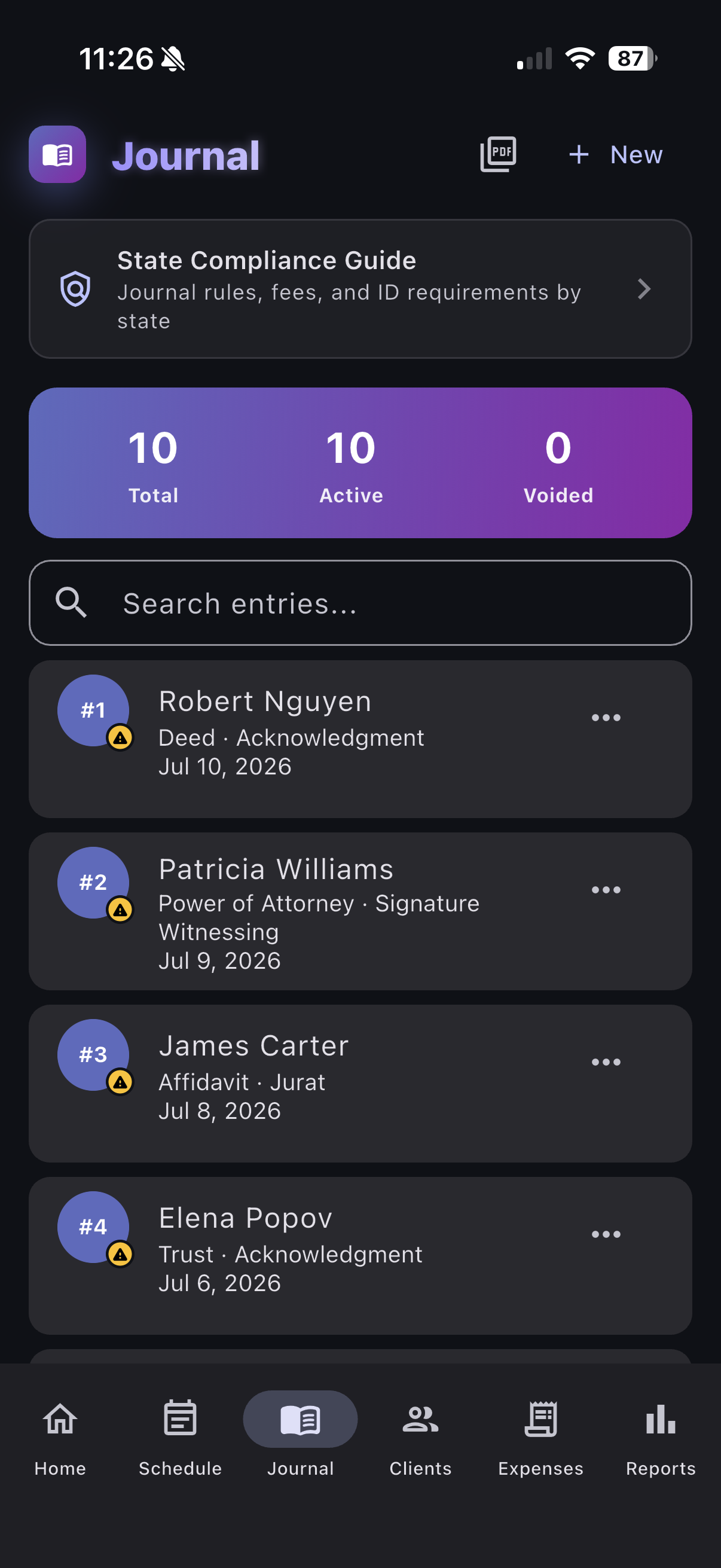
Legally compliant electronic journal with signer name, ID verification, document type, notarial act, fee, and digital signature capture. Encrypted with AES-256 and protected by Face ID / fingerprint.

Learn about our encryption →

How it works

Get started in under a minute. No account needed.

1

Add your first appointment

Tap the + button on the Appointments tab. Enter client name, date/time, location, document type, and fee. That's it — your first signing is tracked.

2

Track mileage with GPS

Open any appointment and tap “Track Drive.” Your phone's GPS records the route automatically. When you arrive, tap “Stop Drive” and the miles are saved to that appointment. Done — no manual entry.

3

Scan receipts instantly

Go to Expenses → Scan Receipt. Point your camera at any receipt. OCR extracts the merchant name, total, and date automatically. Review, categorize, save.

4

Manage your signing pipeline

Switch to the Pipeline tab on the Appointments screen. Your signings show up as cards in a Kanban board. Tap the arrow buttons to move orders from Offered → Confirmed → Docs In → Completed → Paid.

5

See your numbers in real time

The Dashboard is your home screen — income earned, expenses logged, and miles driven for any period you pick. Tap the period selector to flip between week, month, quarter, and year. No spreadsheets, no math.

6

Export for tax season

Head to Tax Tools to see your income, expenses, and mileage summary. Export reports formatted for Schedule C filing. Your accountant will love you.

SOON

Record journal entries Coming Soon

Open the Journal tab, tap +, and fill in the signer's name, ID type and number, document, notarial act, and fee. Capture their signature on-screen. Every entry is AES-256 encrypted and locked behind Face ID. Export to PDF anytime for compliance audits.

Bank-grade security for your legal records

Your notary journal contains sensitive legal information — signer identities, ID numbers, signatures. We treat that data with the seriousness it deserves.

🔐

AES-256-CBC Encryption

Every journal entry is encrypted using AES-256-CBC — the same encryption standard used by banks, government agencies, and the U.S. military. Your data is scrambled into unreadable ciphertext before it ever touches your device's storage.

🔑

Hardware-Backed Key Storage

Your encryption key is generated on-device and stored in the iOS Keychain or Android Keystore — dedicated hardware security modules that even the operating system can't extract keys from. The key never leaves your device.

👆

Biometric Authentication

Face ID, Touch ID, or fingerprint is required every time you open the journal. If biometrics aren't available, your device passcode is the fallback. No one opens your journal without your face or fingerprint.

🚫

Zero Plaintext on Disk

Signer names, ID numbers, addresses, and signatures are never stored as readable text. Even if someone extracts your phone's storage, they'd find only encrypted data that's useless without your Keychain/Keystore key.

📱

Your Device, Your Data

Notary Tracker stores journal data on your device only. We don't upload your journal to any cloud server. No account required. No third-party access. You own your data completely.

📋

Compliance-Ready

Designed to meet state electronic journal requirements. Export to PDF anytime for audits, commission renewals, or legal proceedings. Voided entries are preserved with timestamps for a complete audit trail.

💡 In plain English: If someone steals your phone, your journal is locked behind your face/fingerprint AND AES-256 encryption. Even if they bypass the lock screen, the journal data is encrypted gibberish without the key stored in your phone's secure hardware chip. Your signers' information stays safe.

Ready to get organized?

Join thousands of mobile notaries who stopped juggling spreadsheets.

Download on the App StoreGet it on Google Play